
Prototype Fast; Learn Faster

When I build a new card deck, I try to remind myself of one thing; speed beats perfection.
This post is about how I recently prototyped and tested a new deck in almost no time.
The deck idea; thinking in someone else’s shoes
The concept is simple.
The deck is called In the head of… (see the prototype) Each card represents either a famous person or an archetype. You draw a card, step into that perspective, and look at your problem through a different lens.
You can view the published prototype here: Open the prototype deck.
It works for problem solving, reframing discussions, icebreakers, and connection activities. The power of this deck is in the shift of perspective that it creates.
Rapid ideation with AI; but not on autopilot
I started with a very rough idea and used AI to help me explore it.
I asked for archetypes, extreme roles, fictional characters, and historical thinkers. AI helped me widen the space very quickly. It did not decide for me. I curated, removed, merged, and rewrote a lot.
Think of it as a brainstorming buddy; not a replacement. The result was a large and diverse pool of card ideas in minutes instead of hours.
Reusing templates to move at full speed
Next step; design.
I reused one of my existing templates in I Love Cards and tweaked it slightly with the Template Designer. No blank canvas. No design rabbit hole.
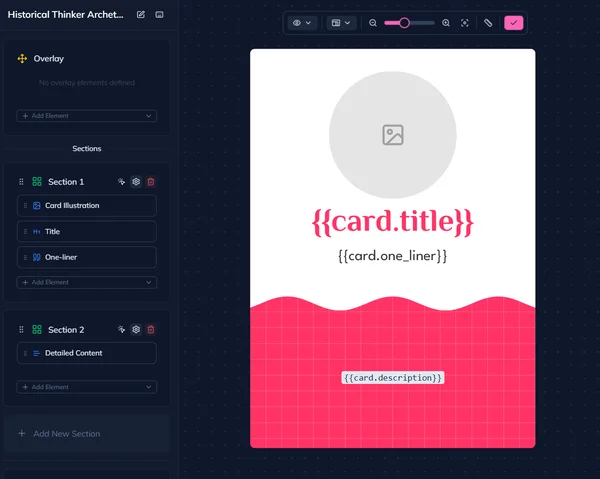
Because the system already handles layout, typography, and exports, I could focus on content and structure. Within a very short time, I had a clean and coherent prototype.
Publishing before it feels comfortable
This is the key part.
I published the prototype immediately.
One click: public preview page published. One click; PDF generated with one page per card. Perfect for importing into LinkedIn as a carousel.
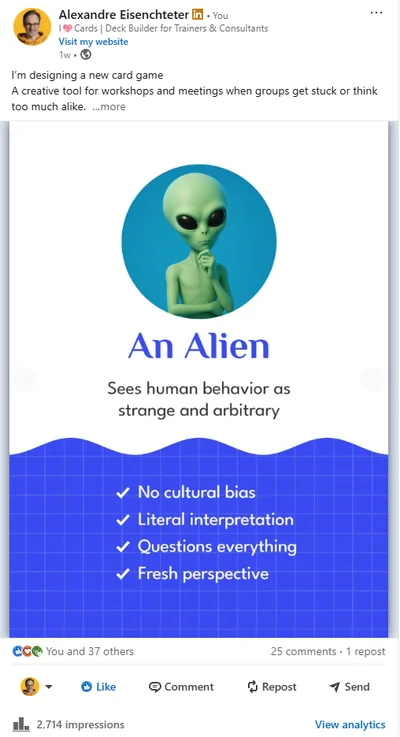
I linked the post and waited.
Feedback in less than a day
What happened next is exactly why I love this approach.
Within hours, people reacted and commented. One discussion was especially interesting; should the deck use real people or only archetypes?
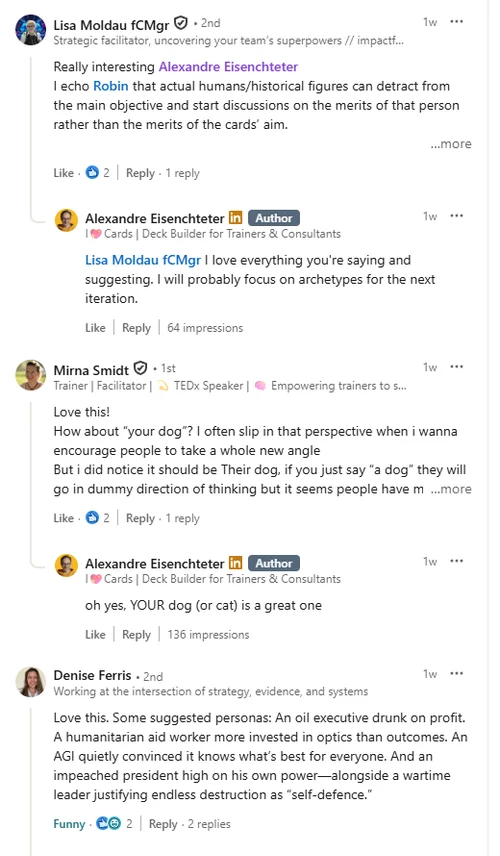
Some argued that archetypes give more creative freedom and avoid debates about who the person "really was." Others liked the emotional connection of well-known figures.
That single conversation already shaped the next iteration of the deck.
All of this happened the same day I started working on it.
Short loops beat long design phases
This is the lesson I keep relearning.
Don’t design in isolation for weeks. Don’t wait for the “final” version. Prototype something rough, visible, and shareable.
With tools like I Love Cards, you can even prototype a single card and generate a clean banner image to post on LinkedIn or any social network. One card is enough to start a conversation.
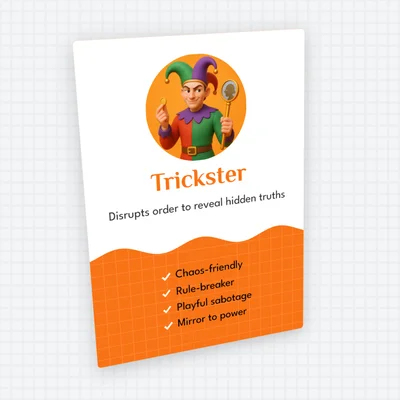
If you are building a card deck; or any facilitation tool; speed is your ally. The faster you ship a prototype, the faster reality talks back.
And reality always has better ideas than your head alone.
Want to design great-looking cards even if you have no design skills?
Join me for a free live tutorial: Design Great-Looking Cards in No Time
I'll show you how to create beautiful cards in minutes using smart templates in I Love Cards. This is hands-on—I'll build a template from scratch and apply it to multiple cards so you see the results immediately.
No design experience needed.