

How I use MCP connectors and AI to design my workshops

For years I thought the answer was to build an AI agent inside my own tools. A little assistant living in Stormz, another one in I Love Cards, each one smart about its own little world. I even started down that road.
I was wrong. The future isn't an agent inside every tool. It's one conversation that orchestrates all of them.
Let me show you what I mean with a workshop, from first idea to final report.
Step 1: Design the session with Claude
It starts as a chat. I tell Claude about my next workshop: the client, the group size, what we need to walk out with. We go back and forth on the flow, the energy curve, where people will get stuck.
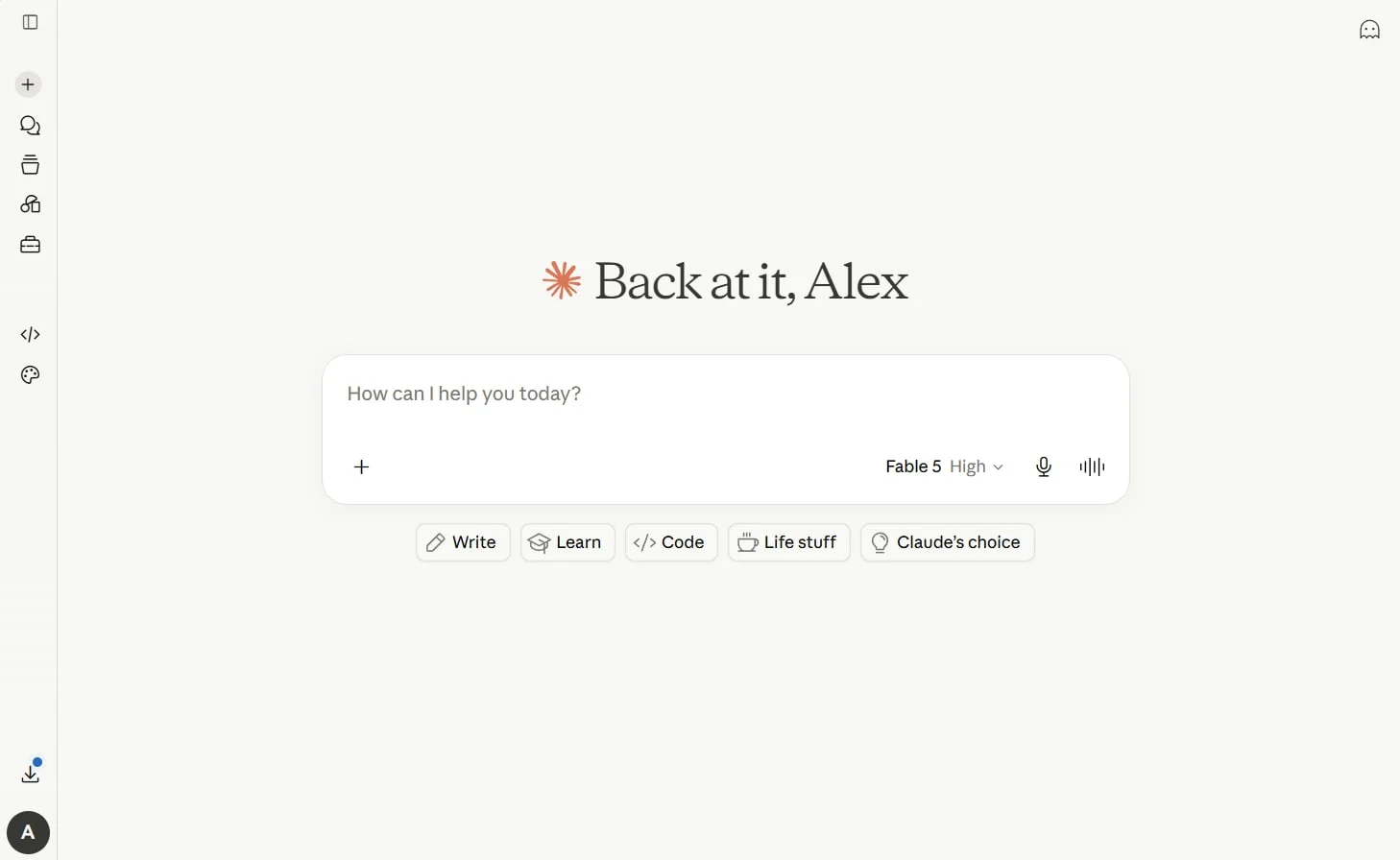
One thing I've learned here: the AI isn't creative by default. If you throw it a vague idea, it takes the first design it comes up with and tells you it's great. The value is in the conversation. The more context you give it, the more you push back, the better the design gets. Same slide deck of training content, and I could imagine ten different workshops out of it. So could Claude, but only if you make it.
Step 2: The agenda lands in SessionLab
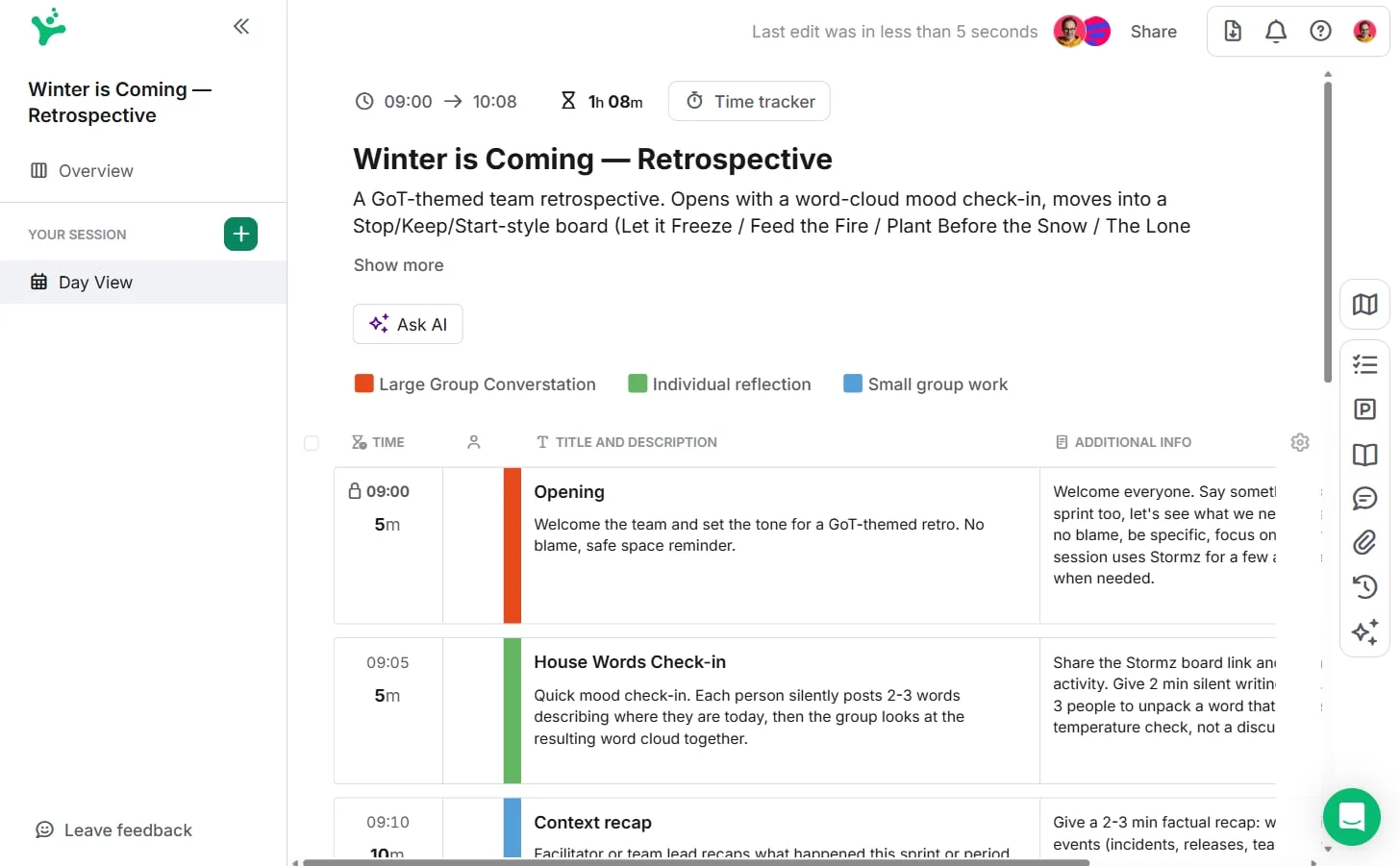
Once the design feels right, I tell Claude: create this session in SessionLab. Because SessionLab has an MCP connector, Claude can talk to it directly. A minute later my agenda is sitting there, with days, blocks and timings, ready to refine.
No copy-paste. No retyping the design we just agreed on.
Step 3: The activities land in Stormz
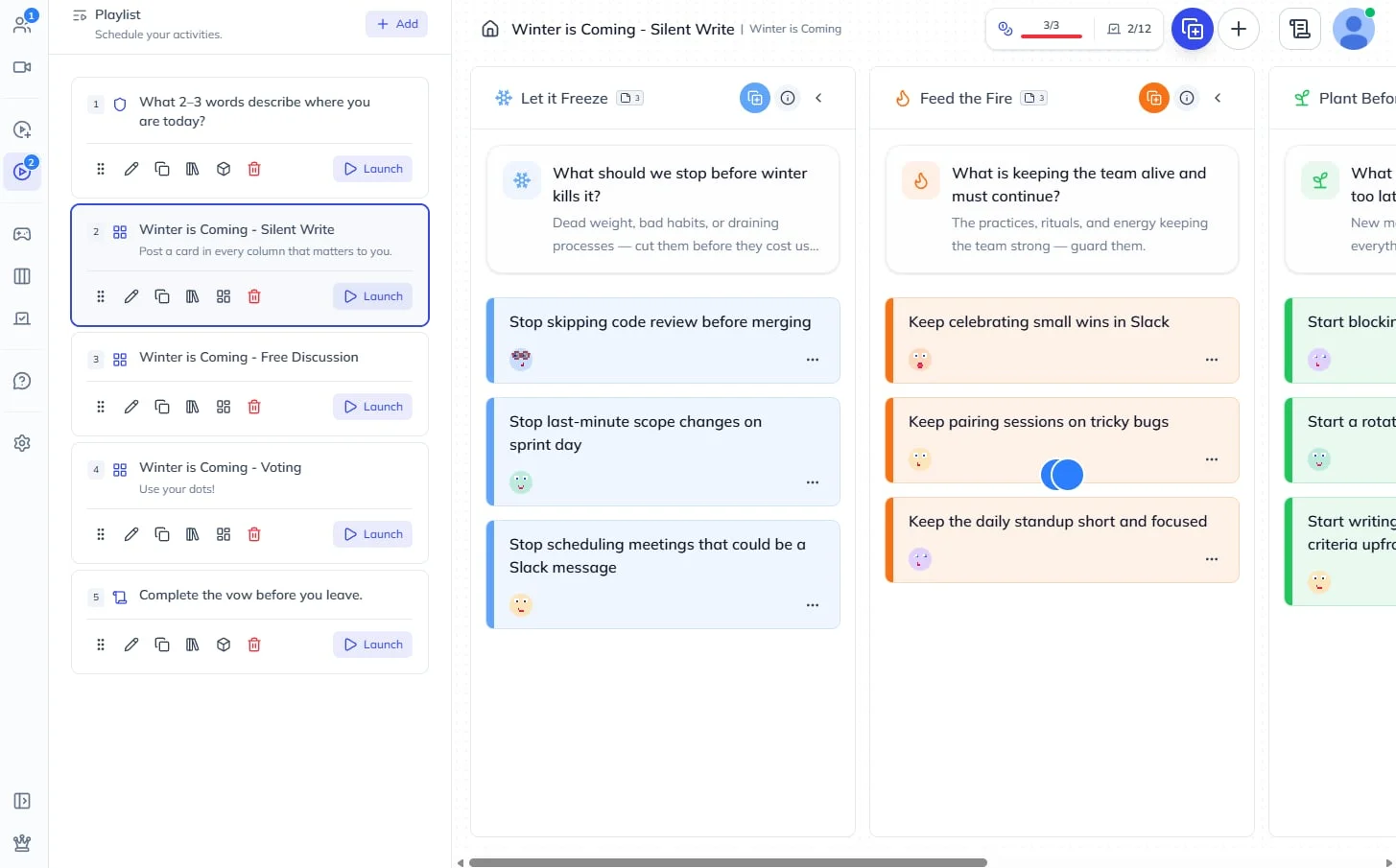
Then: I need these five activities in Stormz. A check-in, a survey, an emoji cloud, a Kanban, whatever the design calls for. Claude creates them in my workshop, configured and ready to launch.
On the day itself, everything is already prepared. Launching an activity is just pressing a button. When I run large group sessions, my laptop is backstage with the technicians and I'm on stage with my phone or a Stream Deck, driving the whole thing at a distance.
Step 4: The physical cards land in I Love Cards
I like mixing digital and low-tech. So I tell Claude: take the Stormz activities and create the matching card deck in I Love Cards.
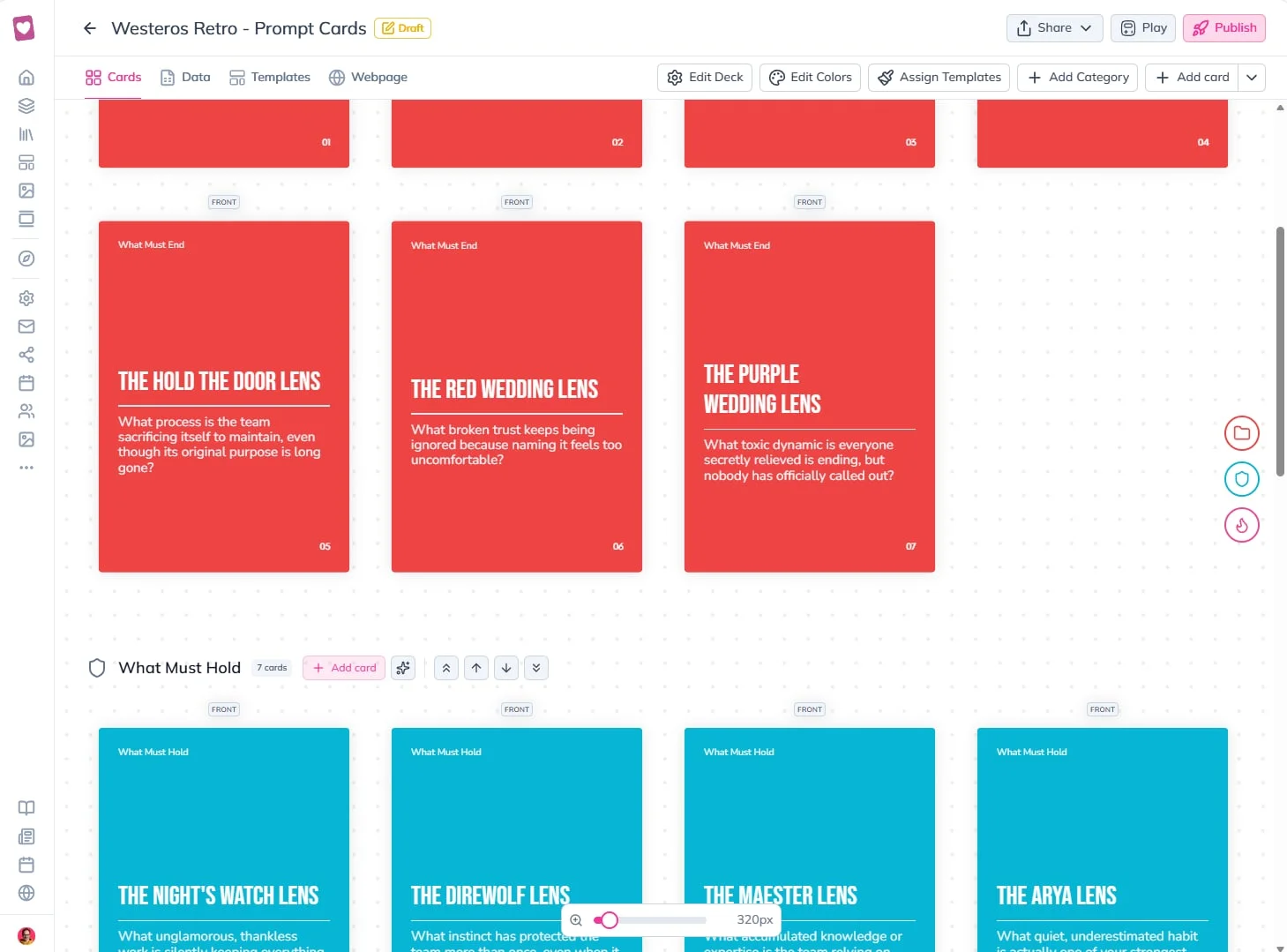
This is the part that genuinely surprised me. I explained nothing about how a template is structured, and Claude built one that was clean and that respected how I Love Cards actually works. It used the primary color as a dynamic color that follows the category. It used absolute positioning for the elements that need it. It used custom fields properly. I honestly wasn't expecting such a good result.
Why does it work without me teaching it anything? Each connector gives Claude a list of tools with a description of what each one does. When your request matches a description, it loads the tool and discovers the rest progressively. It doesn't know everything about I Love Cards upfront. It learns what it needs, when it needs it. Which is also why guiding it matters so much: tell it you want three categories with cards inside, and you'll get exactly that.
Step 5: The report goes out by email
The workshop happens. People doodle emojis on post-its, vote, fill the Kanban. Everything they produce lives in Stormz.
Afterwards, I ask Claude to analyze the resulting workshop and write the report. Then I send it straight to the client through the Gmail connector. From the first design conversation to the report in the client's inbox, it's been one thread.
The present of work
Design with Claude. Agenda in SessionLab. Activities in Stormz. Cards in I Love Cards. Report by Gmail. One conversation, and every tool in my stack doing what it's best at.
People call this kind of thing the future of work. With the connectors available today, it's the present of work. Setting one up takes about a minute: in Claude, go to Settings, then Connectors, add a custom connector with the tool's MCP address (for I Love Cards it's ilove.cards/mcp, for Stormz it's stormz.ai/mcp), accept the permissions, and you're in. First thing to test: ask "I Love Cards, who am I?" and watch it find your account.
Get Those Cards Off the Table: 9 Ways to Combine Cards and Movement
Nine practical ways to combine physical cards with movement so workshop ideas travel, cross-pollinate, and become more memorable.
Is Your Card Deck Just a Document? The Docudeck Problem
A deck without a play pattern is a document cut into cards: expensive, passive, and missing what makes the format useful.